Maker
Tinkercad/3d printing
A hands-on introduction to 3D design in Tinkercad, ending with something you can watch get printed.
What happens
We use Tinkercad, a free browser-based tool, to teach the basics of 3D design step by step. Everyone works towards designing something of their own – a keyring, a badge or a mini figure are popular starting points – that we can then print.
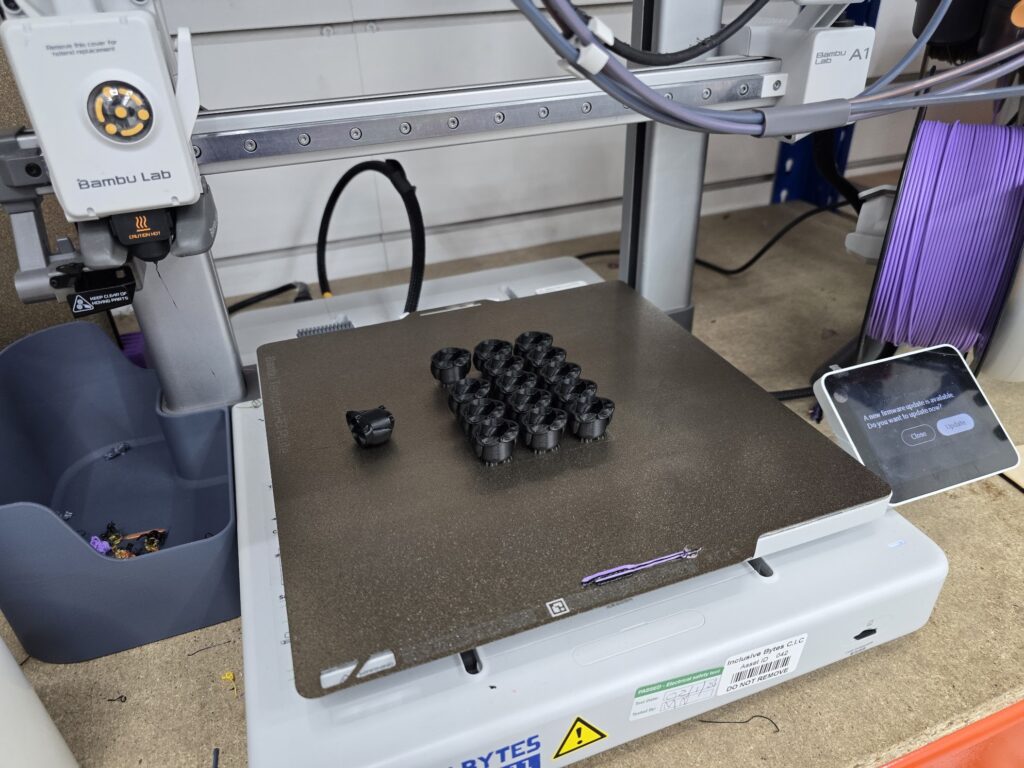
Along the way we run our 3D printer live so people can watch a design go from screen to real object. If a print takes longer than the session allows, we finish it off and it can be collected afterwards.
Benefits
It demystifies 3D printing by putting the whole process in front of you, from a blank Tinkercad canvas to a printer building the object layer by layer. People leave having designed something themselves, at their own pace, whether or not they’ve tried 3D design before.


The details
- Who it's for
- Ages 9+ and beginners of all ages - under 12s should be accompanied by an adult.
- Staffing
- 1-2+ people from our team
- We bring
- Everything needed to run the session: laptops or Chromebooks, our 3D printer, a projector and screen for demonstrations, and example prints to give you ideas - nothing for you to source.
What people get out of it
-
3D design from scratch
Learn the basics of Tinkercad, working towards a design that's genuinely your own.
-
Watch it get printed
See our 3D printer build a real object, live, from screen to finished piece.
-
Something to take home
A keyring, badge or mini figure you designed yourself, printed and ready to collect.