Coding
Scratch
Learn to code with Scratch, MIT's free block-based programming language, by building animations, games and interactive stories.
What happens
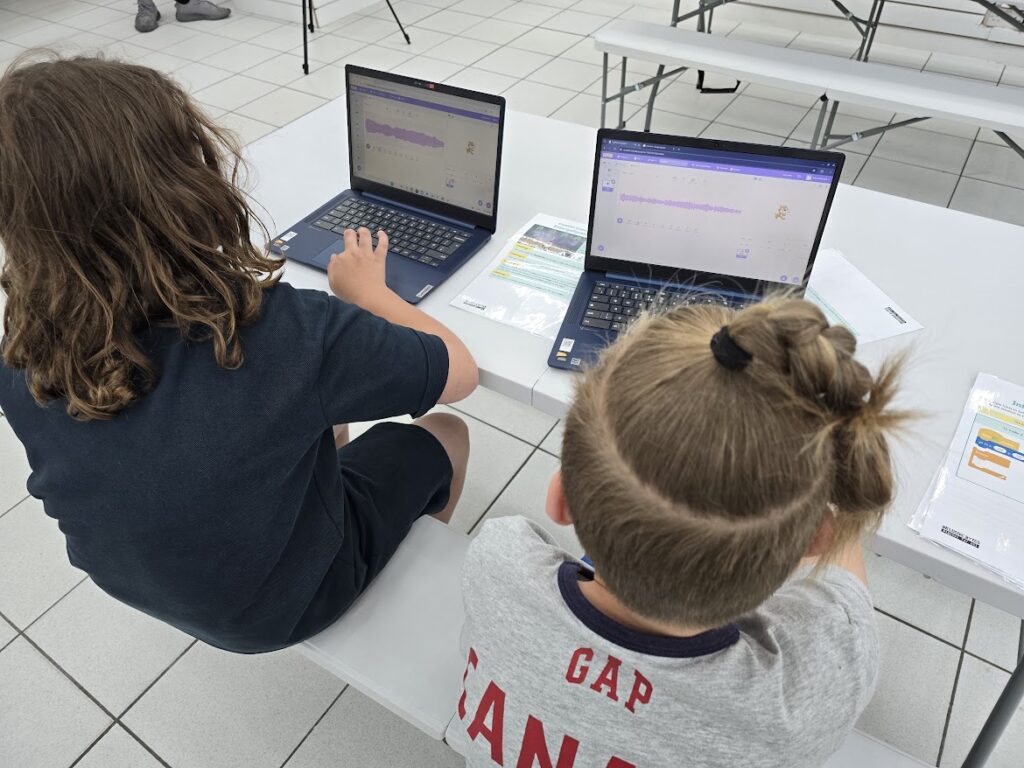
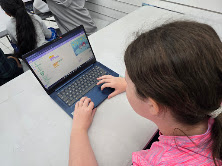
Participants build something that actually runs, usually within the first twenty minutes. Scratch works by dragging blocks together instead of typing code, so there’s no syntax to get wrong and no waiting to be told the right way to do it. We start with a short guided build, make the cat move, make it say something, make it react, and then people take it wherever they want: a game, an animation, a story, or a running joke about their mate.
The session covers the ideas that sit under all programming (loops, events, conditions, cause and effect), but we introduce them as things people want to do rather than concepts to learn. Most of the time is spent trying something, watching it go wrong, and working out why, which is the actual skill. Everyone finishes with a saved, working project they can show someone and carry on with at home.
Benefits
It gives people a real taste of how code works (loops, events, cause and effect) without the barrier of typing syntax, so mistakes are easy to spot and fix. Because everyone leaves with their own finished animation or game, it builds confidence as well as understanding. Scratch is also free and runs in a browser, so there’s nothing to buy and no reason the interest has to stop when the session ends.
The details
- Who it's for
- Ideal for children aged 7–12, but fun for all ages. Parents and carers are welcome to join in and learn alongside their kids.
- Staffing
- 1-2+ people from our team
- We bring
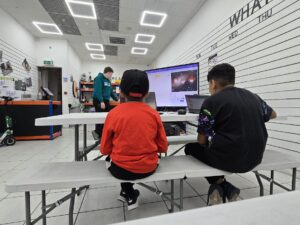
- Everything needed to run the session: laptops or Chromebooks with internet access, Scratch accounts (or working without a login), headphones if needed, a projector and screen for demonstrations, and step-by-step activity sheets, nothing for you to source.
What people get out of it
-
Something that works, first time
Nobody leaves with a half-finished exercise. Every project runs, and they can show it to someone.
-
Real programming, no typing
Loops, events and conditions are all in there, as blocks that snap together instead of syntax to get wrong.
-
It carries on at home
Scratch is free and browser-based, and projects are saved, so the session doesn't end when we pack the laptops away.