
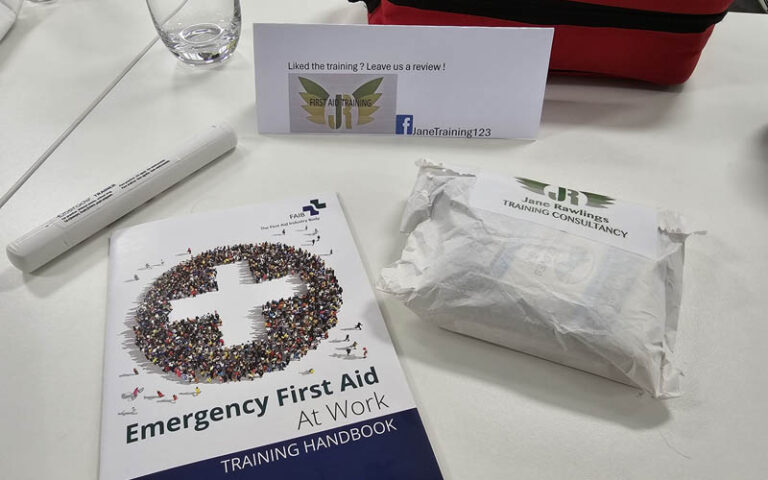
Today myself and my colleges renewed our first aid certificates with Jane Rawlins First Aid Training and as good as it was and as much as we would recomend Jane’s services, that’s not what this blog post is about. The purpose of this blog post is to tell you about something that even we as the geeks that we are did not know about.
What am I talking about? The emergency settings in our smart phones that allow you to show contact details and medical information on your lock screen. Follow the steps below to set it up on your device.
Android Phones
Navigate to [Settings] and then [Safety and Emergency] here you can set “Medical Information” such as alergies and medicines that will show on your lock screen and “Emergency Contact” who can be called while your device is still locked.
iPhones
On an iPhone open the Health app and tap the [Summary] tab, then tap your profile picture. Under your profile picture, tap Medical ID, Tap Edit in the top right-hand corner. Then to make your Medical ID available from the Lock Screen on your iPhone, turn on Show When Locked.